2026 Comparison · ChartForge vs. Canva Charts
The Executive Alternative to Canva Charts
Stop fighting tiny Canva chart panels for serious board decks. Turn raw CSV or JSON into crisp editorial exhibits in one click.
The Short Verdict
Canva is great for social graphics, but its built-in charts lack YoY delta columns, Sankey flows, 10x10 waffle matrices, CAGR stacked areas, and accurate choropleths. ChartForge gives analysts and founders boardroom-grade charts in 15 seconds.
Canva Charts: $15/mo (basic charts only)
ChartForge: Consulting-caliber templates · AI CSV/JSON mapping · Vector SVG/PDF export
| Capability | ChartForge | Canva Charts |
|---|---|---|
| Visual credibility in board meetings | McKinsey / Financial Times editorial restraint | Generic template aesthetic |
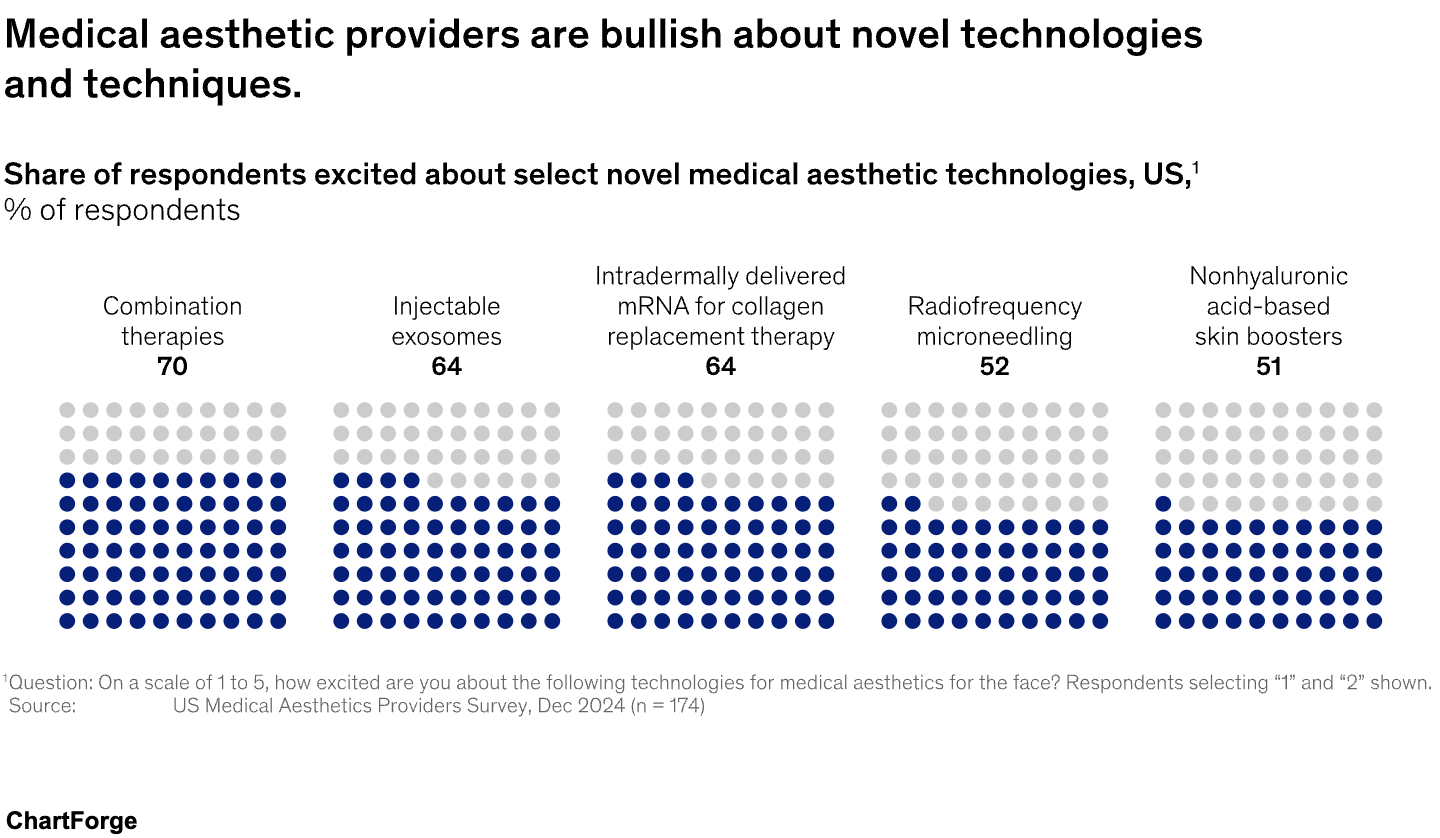
| Advanced chart types (Sankey, Waffle, Choropleth) | All 13 built-in as primary templates | Basic bar/line/pie only |
| AI prompt & screenshot redesign | Generate from plain English or ugly screenshots | Manual spreadsheet cell entry |
| Instant finishing touches | Conversational AI edits (highlight, sort, annotate) | Manual drag-and-align |
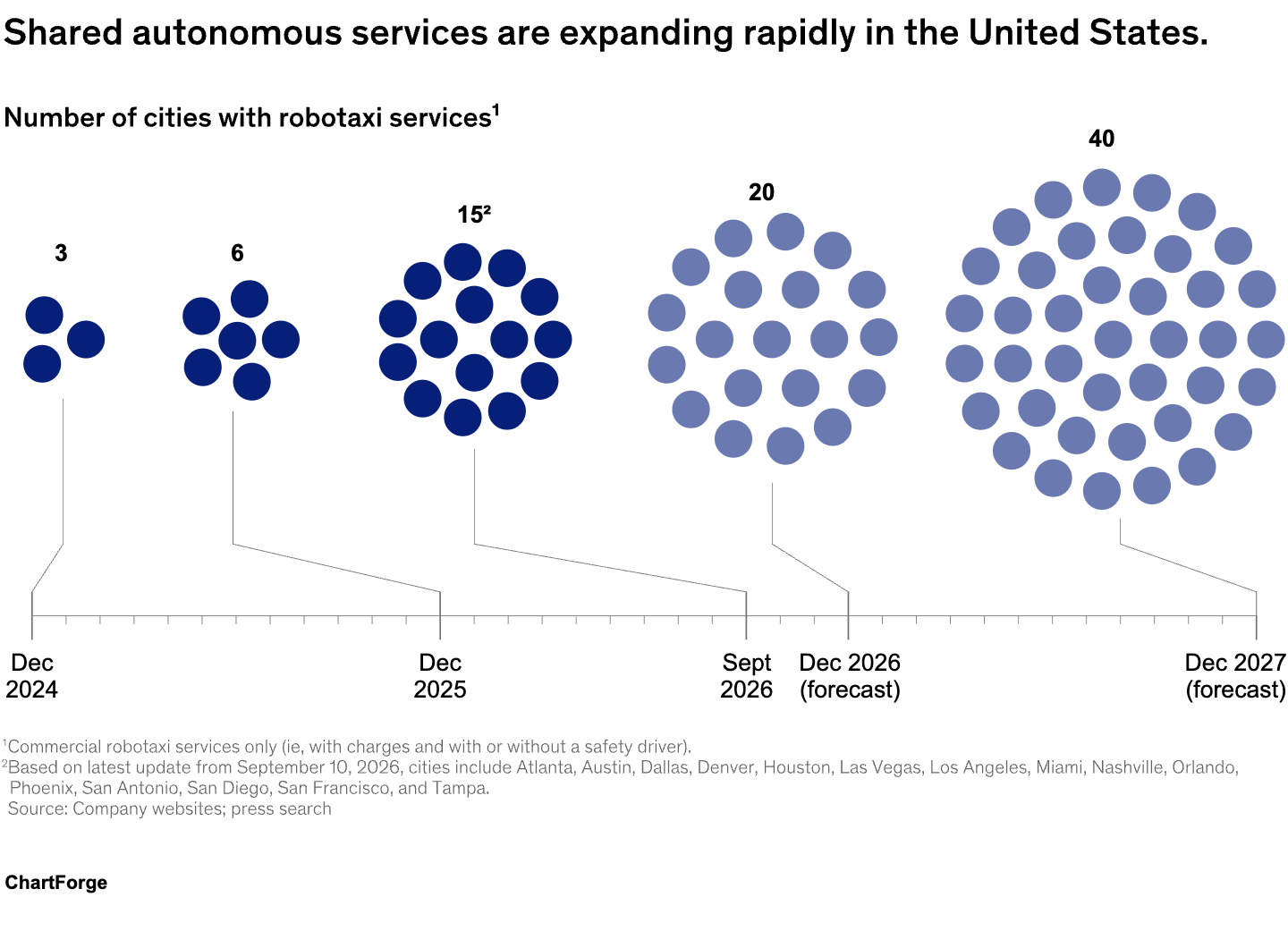
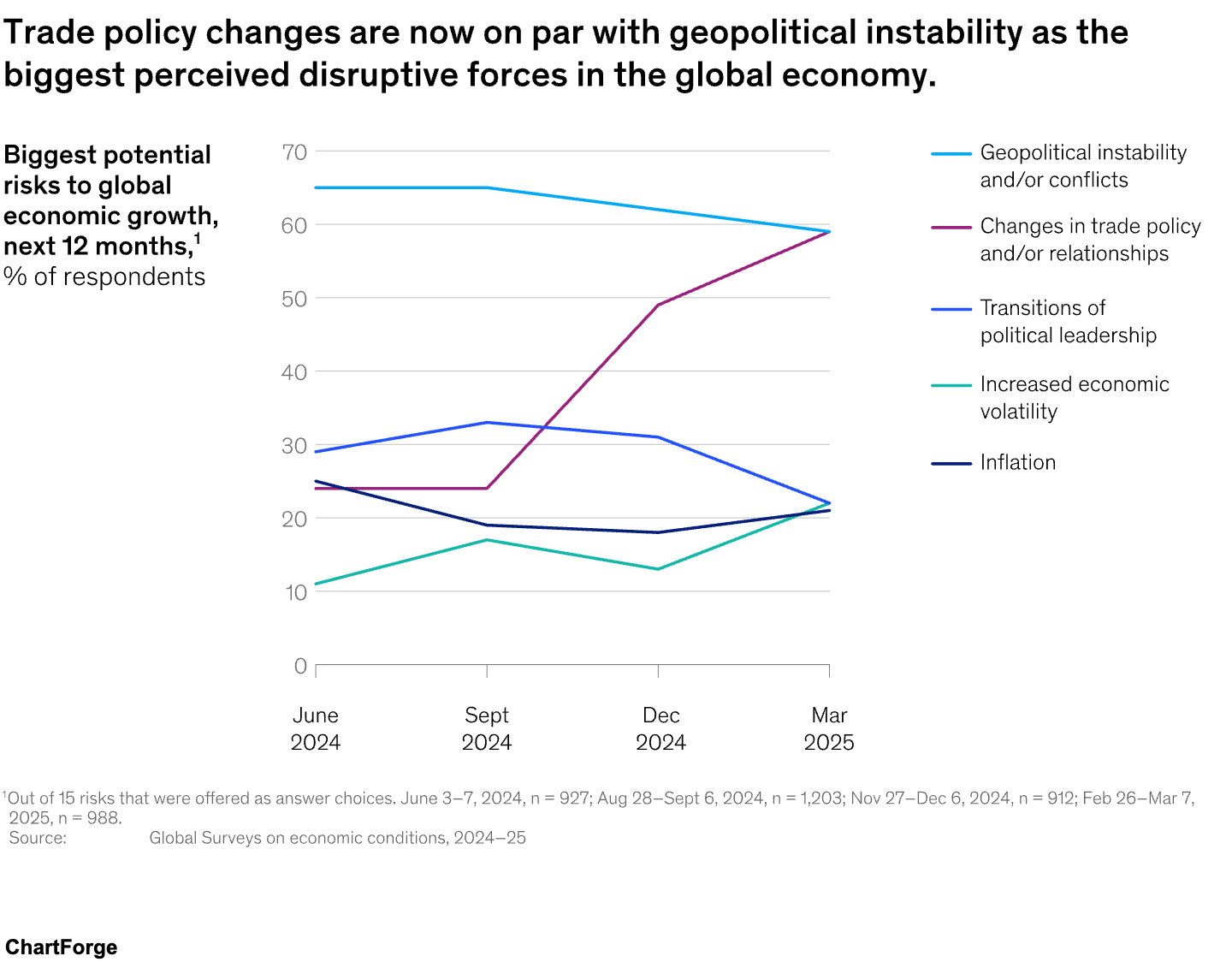
Boardroom templates ready in 1 click
Explore all 13 templates →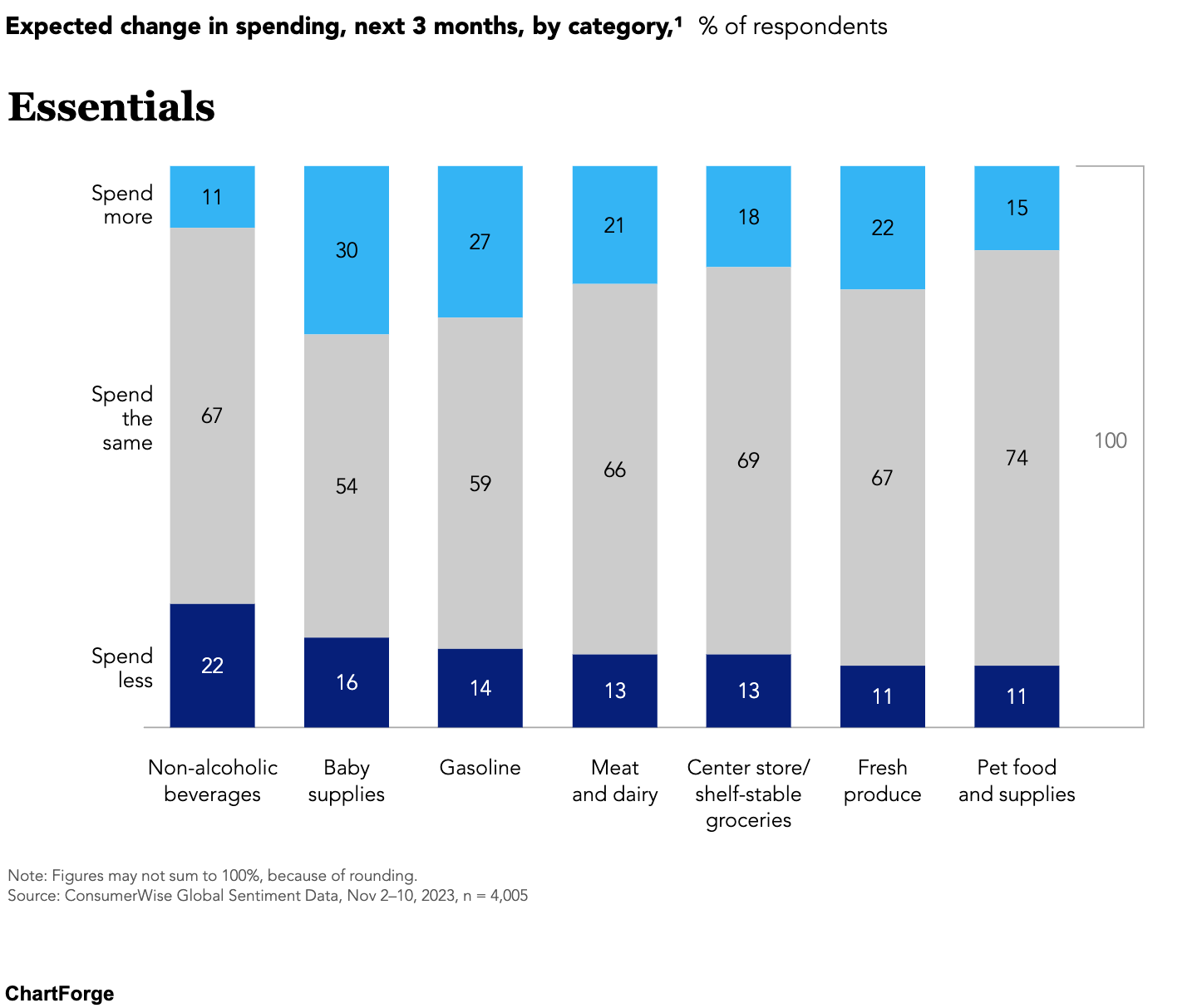
Frequently Asked Questions
Can I import ChartForge charts into Canva decks?
Yes! Download a transparent PNG or vector SVG from ChartForge and drop it straight onto any Canva, Keynote, or PowerPoint slide.
Do I need design skills to make charts look balanced?
No. Typography, margins, gridlines, and color contrast are pre-engineered in every template.
Can I try ChartForge before subscribing?
Yes — generate 3 free preview charts per day with no signup required.