The AI-Powered Datawrapper Alternative
Keep Datawrapper's clean newsroom restraint — while adding AI CSV mapping, Sankey diagrams, waffle matrices, screenshot redesign, and Claude MCP.
Datawrapper is beloved by journalists for clean typography, but its custom plan starts at $599/month for teams needing brand theming and white-label exports, and it lacks Sankey diagrams, AI prompt-to-chart generation, and screenshot redesign.
| Capability | ChartForge | Datawrapper |
|---|---|---|
| White-label clean exports pricing | Starts at $35/mo (Starter) | $599/mo for Custom branding & white-label |
| Natural language + CSV/JSON generation | Describe a chart or upload CSV/JSON | Manual 4-step wizard only |
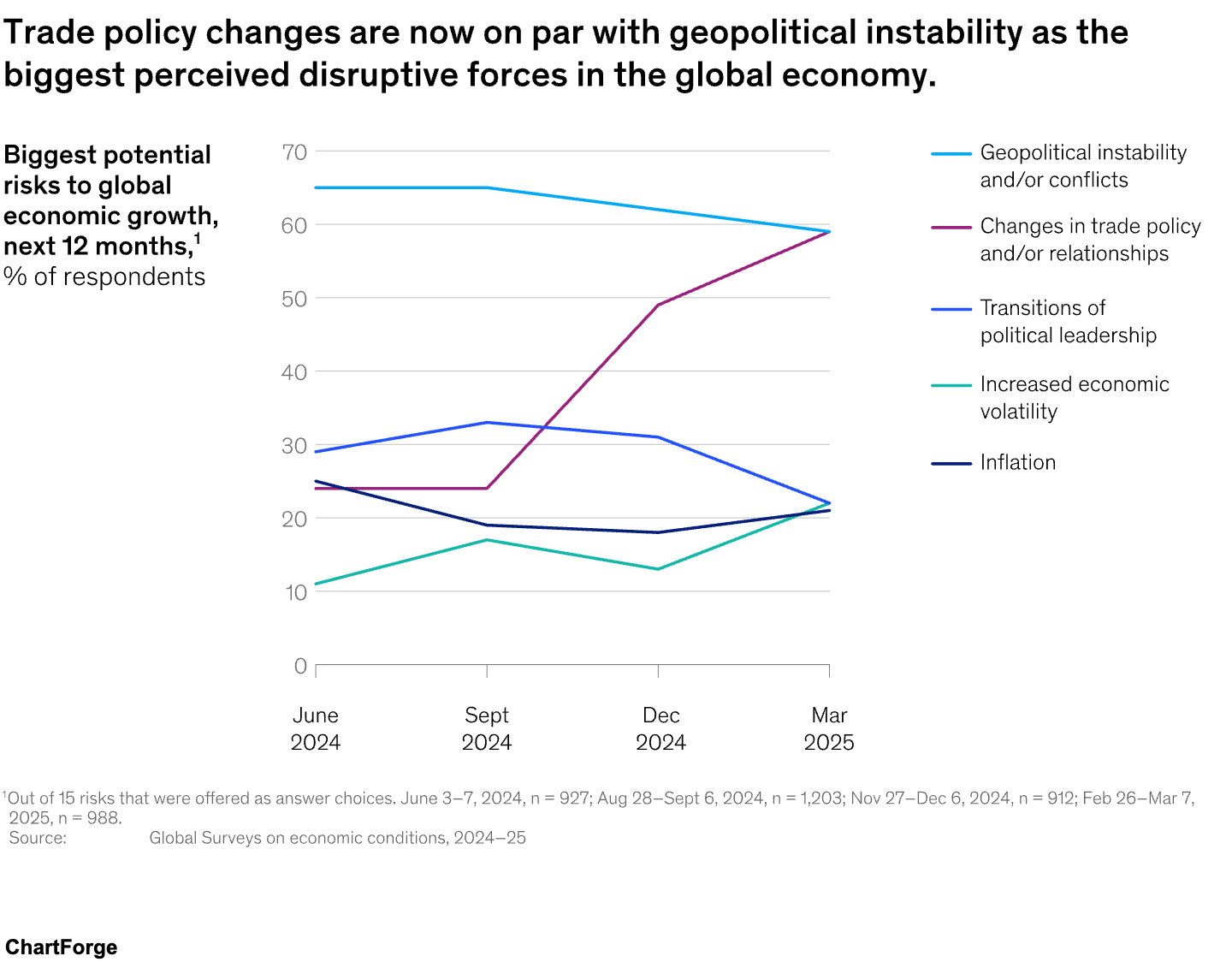
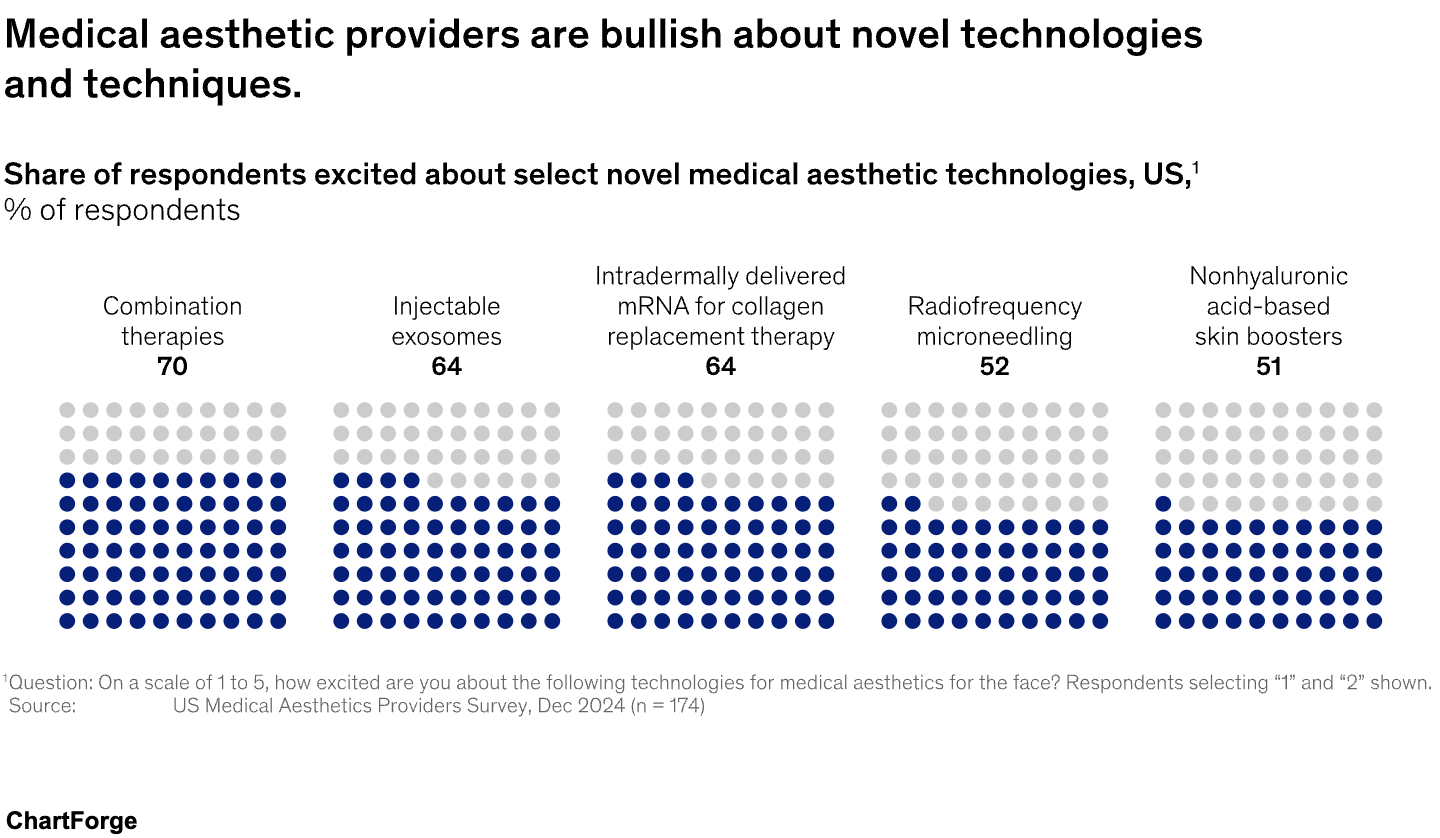
| Sankey flows & 10x10 Waffle grids | Primary built-in templates | Not natively supported |
| Chart Audit (0–100 critique) | Built-in free executive chart auditor | Not available |
| SVG & PDF print exports | Included starting at $35/mo | Paid/Custom tier |
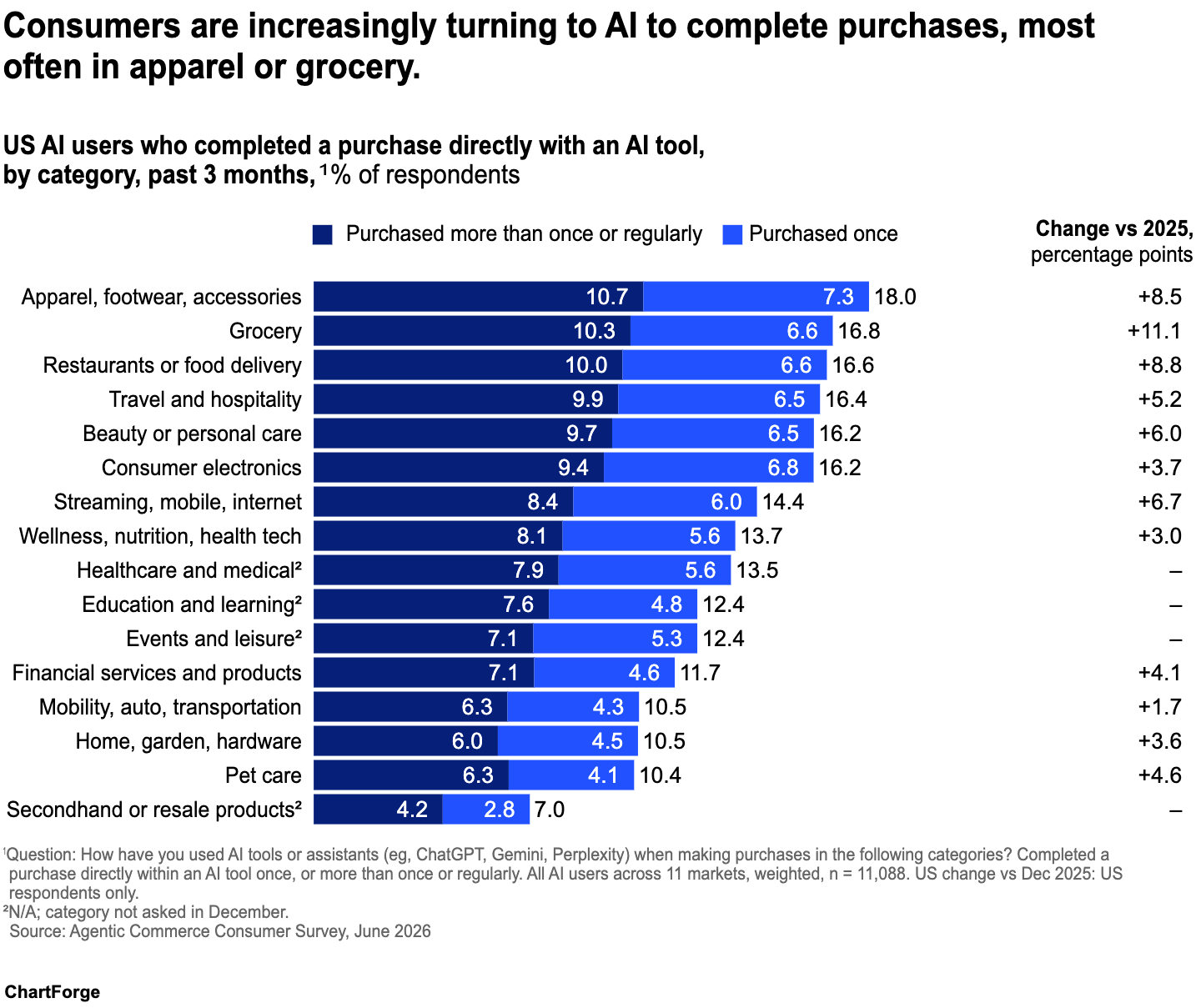
Boardroom templates ready in 1 click
Explore all 13 templates →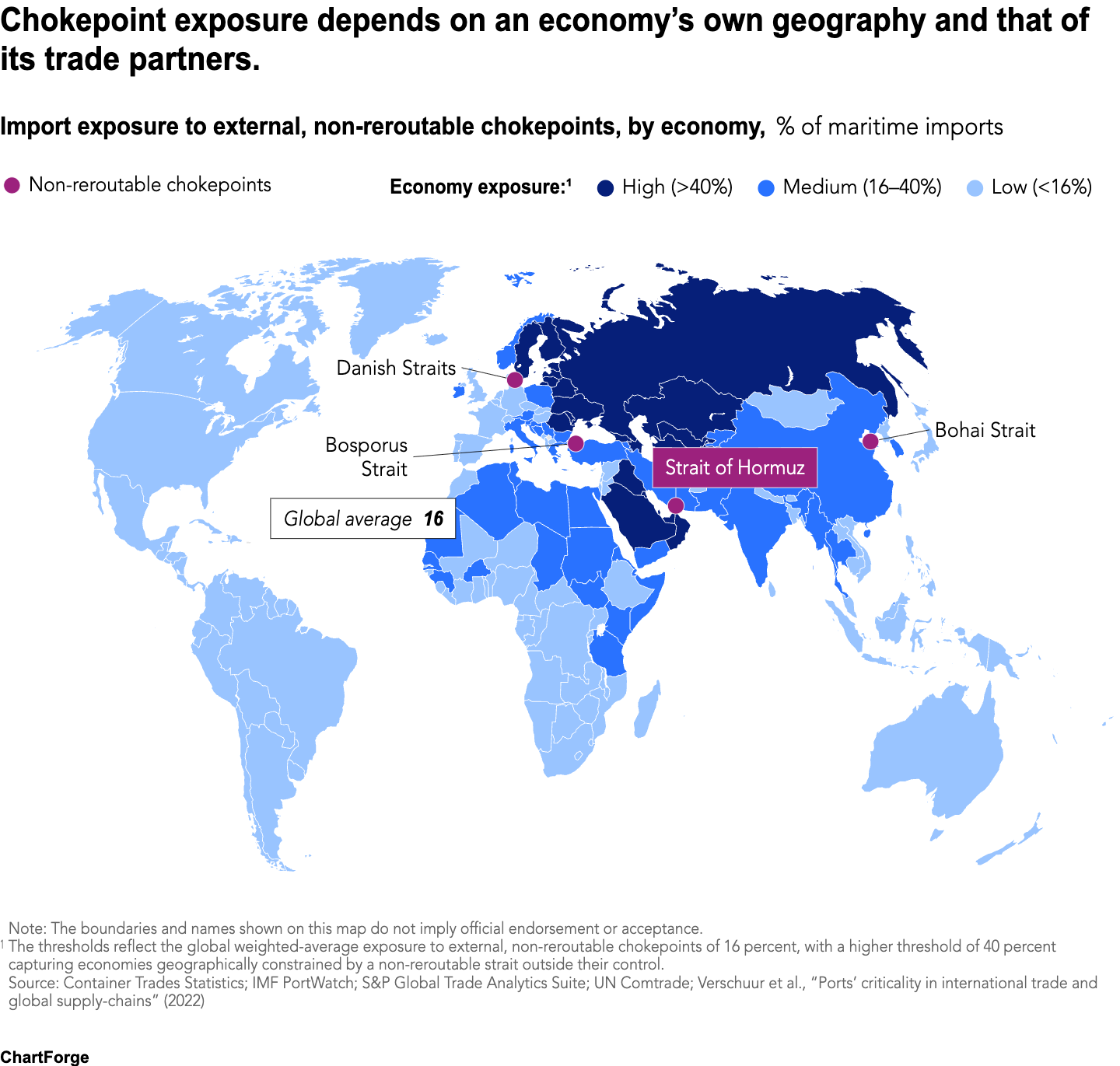
Frequently Asked Questions
Does ChartForge match Datawrapper's clean editorial look?
Yes. ChartForge defaults to crisp pure-white or warm-ivory editorial canvases inspired by Financial Times, The Economist, and McKinsey — zero dark neon clutter unless you choose Midnight Dark.
How much can a small team save vs. Datawrapper Custom?
ChartForge Starter ($35/mo) and Pro ($69/mo) deliver watermark-free SVG, PDF, and 2x PNG exports at a fraction of Datawrapper's $599/mo Custom tier.
Can I automate chart creation from scripts or Claude?
Yes — connect via REST API or run npx chartforge-mcp in Claude Desktop or Cursor.